




How to Optimize Sound Quality on Any Headphones
Whether you’re an audiophile, a casual listener, or someone who uses headphones during workouts, maximizing sound quality is essential for a satisfying listening experience. While headphones today are built with high-quality drivers, advanced materials, and sophisticated technologies, there’s always room to improve performance. Optimizing sound quality isn’t just about buying expensive equipment—it’s about understanding your headphones, the audio sources, and how to fine-tune settings for the best results.
In 2026, headphones come in many shapes and sizes, from over-ear studio monitors to in-ear wireless earbuds. Each type offers unique benefits and challenges for audio fidelity. This guide explores practical steps to enhance sound quality, covering everything from fit and placement to software equalization, device compatibility, and environmental factors. By applying these techniques, you can unlock the full potential of your headphones and enjoy a more immersive and balanced listening experience.
Understanding Your Headphones
The first step to optimizing sound quality is understanding your headphone type and specifications. Headphones are generally classified into three main categories: in-ear, on-ear, and over-ear.
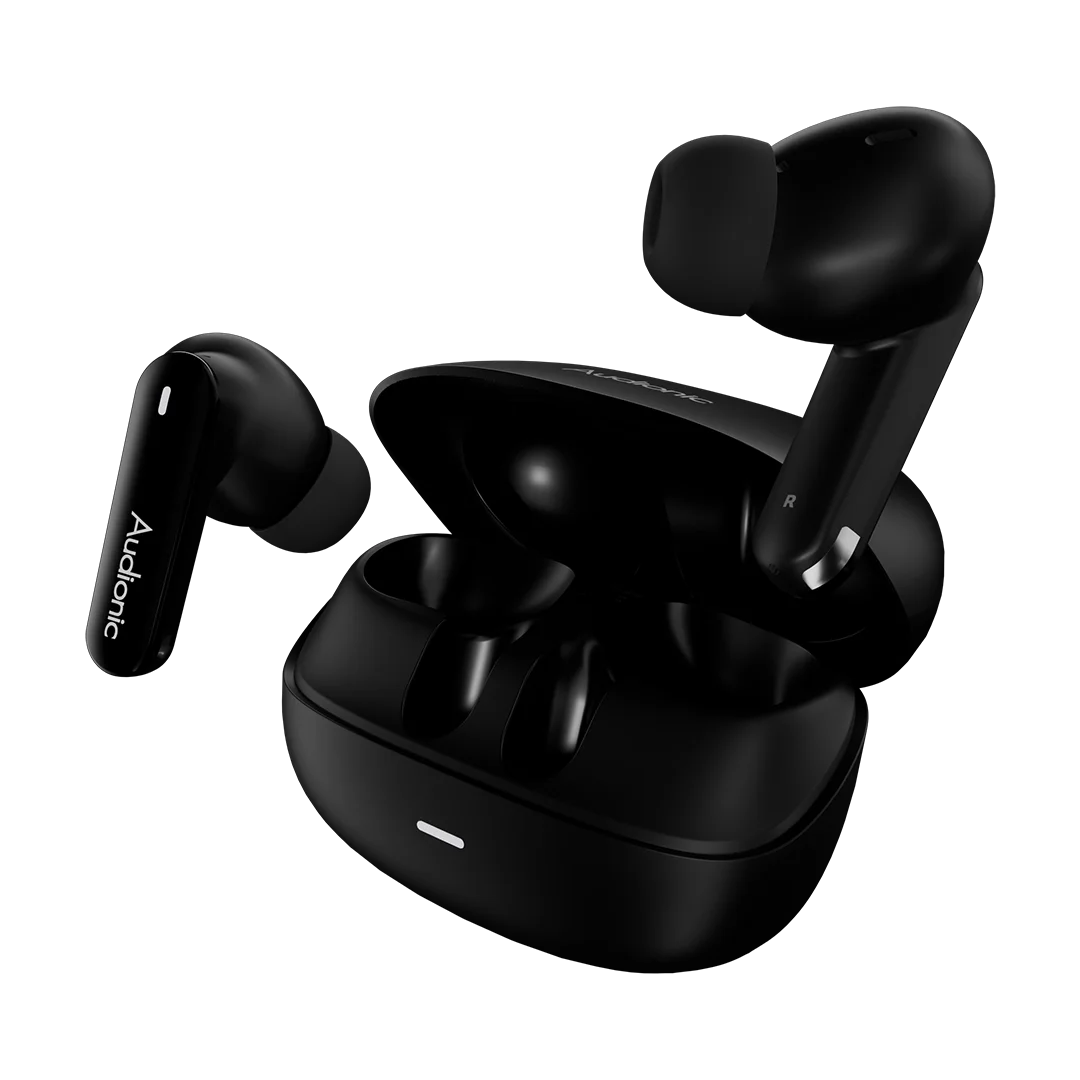
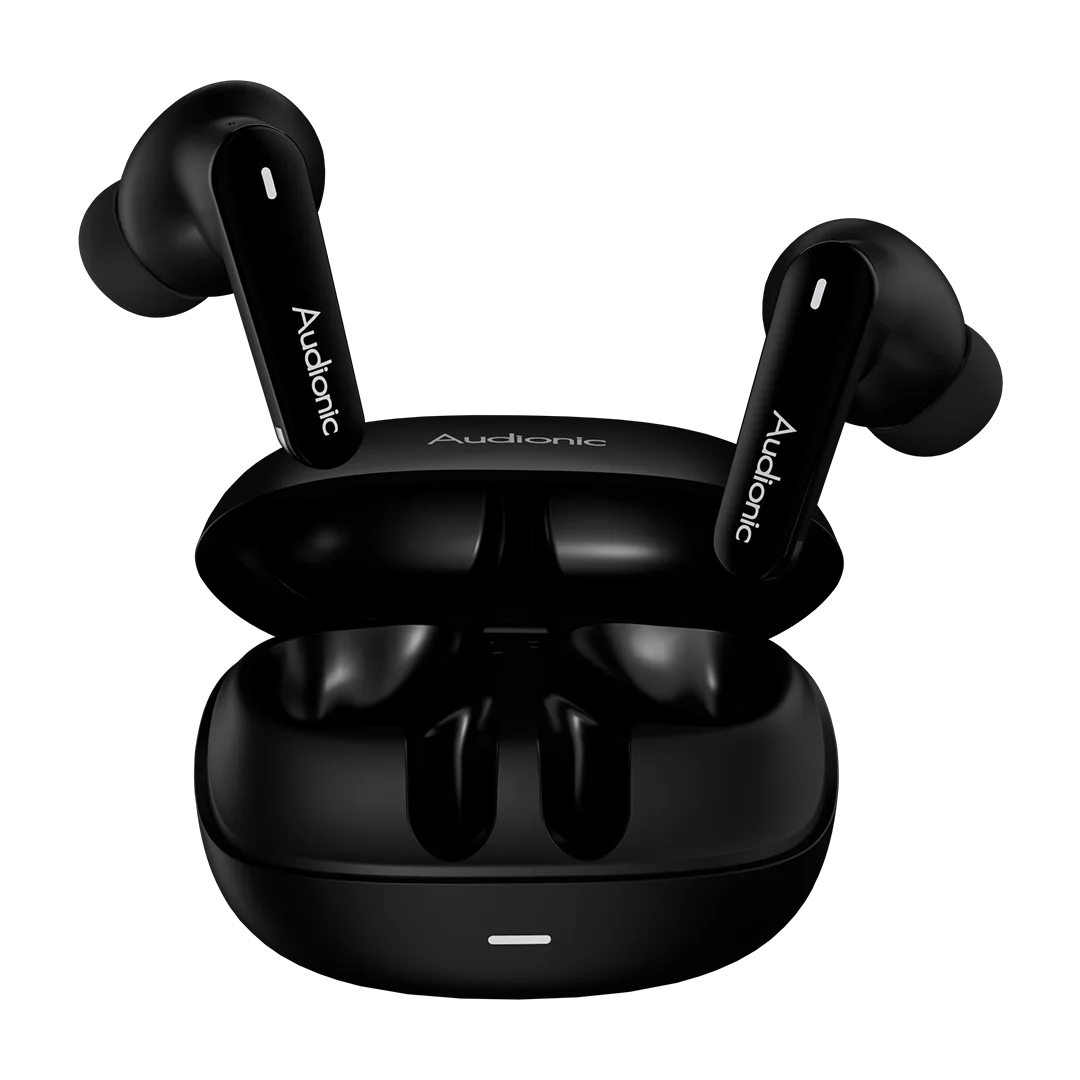
In-ear headphones (earbuds) are compact and portable, often offering noise isolation and convenience for commuting or workouts. The sound depends heavily on fit and seal; a poor seal can reduce bass response and clarity.
On-ear headphones rest on the ears rather than around them. They are lightweight and portable but may leak sound and offer less bass depth compared to over-ear models.
Over-ear headphones envelop the ears, providing excellent soundstage and isolation. They are ideal for studio work, gaming, and immersive music listening.
Knowing the type of headphones you own helps determine how to adjust placement, EQ settings, and listening habits to achieve optimal sound.
Fit and Placement
Proper fit and placement are critical, especially for in-ear and on-ear models. Ear tips for earbuds come in different sizes—small, medium, and large—and using the correct size ensures a proper seal. A tight seal improves bass response, prevents sound leakage, and enhances overall clarity.
Over-ear headphones should cover the ears completely without excessive pressure. Adjust the headband and ear cups to ensure comfort while minimizing gaps that allow external noise to interfere with the audio. Proper placement ensures drivers are aligned correctly with your ears, maximizing fidelity and spatial accuracy.
Even slight misplacement can alter frequency response, making treble harsh or bass weak. Taking a few moments to adjust your headphones can significantly improve your listening experience.
Choosing the Right Source Material
High-quality source material is essential for optimizing sound. Compressed audio formats like MP3 reduce file size but also remove audio detail, which can impact clarity and depth. For the best results, opt for lossless formats such as FLAC, ALAC, or high-bitrate AAC files. Streaming platforms like Tidal, Apple Music Lossless provide high-resolution audio for compatible devices.
Additionally, ensure your playback device supports high-quality output. Older smartphones or laptops may not have digital-to-analog converters (DACs) capable of reproducing full-range sound. Using a dedicated DAC or high-fidelity music player can improve detail, separation, and dynamic range.
Equalization and Sound Customization
Equalizers (EQ) allow you to adjust frequencies to suit your taste and compensate for limitations in your headphones. Many devices and apps offer built-in EQ settings, or you can use software solutions like Equalizer APO on PC or third-party apps on mobile.
When adjusting EQ:
- Bass (20–250 Hz): Increases depth and warmth. Be careful not to overboost, which can muddy mids.
- Mids (250–2000 Hz): Essential for vocals and instruments. Maintaining clarity here ensures natural sound.
- Treble (2000–20,000 Hz): Adds detail and brightness. Too much can cause harshness and listening fatigue.
Experiment with small adjustments and listen to familiar tracks to find the balance that suits your headphones and preferences. Some high-end headphones also provide personalized EQ based on hearing profiles, which can dramatically improve clarity and balance.
Volume Management
Listening at extremely high volumes can distort sound and damage both your ears and headphones. Pushing your headphones to maximum output may introduce clipping, especially in cheaper models.
Maintain a moderate volume that allows you to hear details clearly without overdriving the drivers. Many modern devices offer volume limiting or adaptive audio features that prevent distortion while protecting hearing. Proper volume control ensures cleaner, more accurate sound reproduction.
Cable Quality and Connectivity
For wired headphones, cable quality affects signal integrity. Poorly shielded or thin cables can introduce interference, static, or signal loss, reducing sound quality. Use high-quality cables with proper shielding, connectors, and gold-plated contacts when possible.
For wireless headphones, connectivity and codec support are important. Bluetooth codecs such as aptX HD, LDAC, or AAC provide higher bitrate audio, reducing compression artifacts and preserving detail. Ensure your device and headphones support the same codec to achieve optimal performance.
Amplification and Audio Devices
Some headphones, especially high-impedance models, require amplification for best performance. Using a headphone amplifier can provide better volume control, dynamic range, and clarity. Portable DAC/amp combos for mobile devices allow audiophiles to enjoy high-resolution music with improved soundstage and reduced distortion.
Even mid-range headphones benefit from a slight boost via a quality DAC or amp, especially when connected to laptops or older smartphones with weaker output. Proper amplification ensures that your headphones operate within their intended parameters, maximizing fidelity.
Environmental Factors
The listening environment can affect perceived sound quality. Background noise, room acoustics, and reflections influence how you perceive bass, treble, and spatial separation.
Noise-canceling headphones help minimize distractions, allowing you to focus on details. For over-ear models, a quiet room enhances clarity and allows subtleties in music or dialogue to emerge. Using headphones in a consistent and controlled environment ensures the best listening experience.
Headphone Maintenance
Keeping headphones clean and well-maintained contributes to optimal sound. Earwax, dust, or dirt in ear tips or drivers can reduce clarity, bass response, and overall performance. Clean ear tips, replace worn-out cushions, and wipe down surfaces regularly to maintain sound integrity.
Additionally, store headphones in protective cases to prevent damage to cables, drivers, or ear pads. Avoid exposure to extreme heat, moisture, or physical stress, which can degrade performance over time.
Software and Firmware Updates
Many modern headphones, especially wireless or smart models, receive firmware updates that improve sound quality, connectivity, and feature performance. Check the manufacturer’s app or website regularly to ensure your headphones are running the latest firmware. Updates can refine EQ, reduce latency, and enhance noise-canceling performance.
Personal Listening Preferences
Finally, remember that optimizing sound quality is subjective. What sounds “perfect” to one listener may feel off to another. Take time to explore different EQ settings, audio sources, and placements to find your ideal balance of bass, mids, and treble. Experimenting with different genres and familiar tracks helps identify strengths and weaknesses in your headphones and guide adjustments.
Choosing the Right Accessories
Additional accessories can enhance sound quality:
- Ear tips and cushions: Upgrade to memory foam or hybrid tips for better seal and comfort.
- Cables: High-quality or detachable cables improve signal integrity for wired headphones.
- DAC/amp: Essential for high-impedance or audiophile-grade headphones.
- Headphone stands and cases: Protect drivers from physical stress and dust buildup.
Selecting the right combination of accessories ensures your headphones deliver peak performance consistently.
Conclusion
Optimizing sound quality on any headphones requires a combination of proper fit, high-quality source material, thoughtful EQ adjustments, correct volume, and attention to cables, amplification, and environment. Regular maintenance, software updates, and accessories further enhance performance, ensuring that every listening session is immersive, balanced, and enjoyable.
Understanding your headphones, experimenting with settings, and tailoring audio to your preferences unlocks their full potential. Whether you own budget-friendly earbuds or premium over-ear models, these steps allow you to achieve clear vocals, tight bass, and detailed treble, transforming ordinary listening into an engaging audio experience.
In 2026, with advances in wireless connectivity, high-resolution audio, and smart features, optimizing headphones is not just about technology—it’s about making them work perfectly for you. By following these techniques, you can enjoy crystal-clear sound, immersive music, and a truly personal listening experience anytime, anywhere.
How to Maintain Your Power Bank: A Complete Guide
How Wireless Earbuds Help with Workouts and Active Lifestyles
Related Posts

Audionic 11.11 Sale 2026: Up to 80% OFF Site-Wide

Vibe Connect 2026: Audionic and DANY Group Celebrate Their Grand Annual Event

Must-Have Power Bank Features: What to Look for Before You Buy

Audionic x Ali Zafar: ANC Earbuds with 55-Hour Battery in Pakistan

Vibe Tou Hai – Audionic's Ali Zafar Signature Collection

Why Long Battery Life Is a Must-Have for ANC Earbuds

What Is Transparency Mode in Earbuds?


