


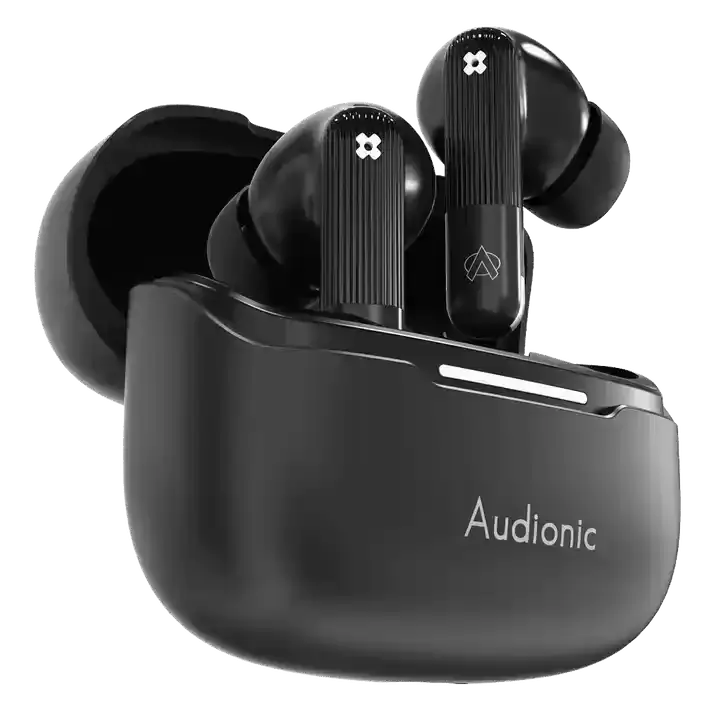
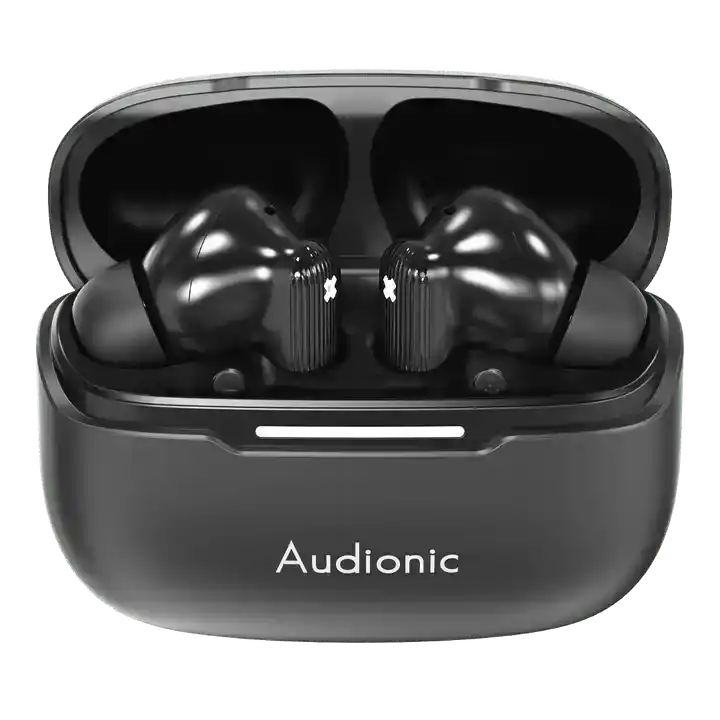


Battery Life Breakdown: How Long Do Wireless Earbuds Really Last?
Battery life is one of the first things people check when buying wireless earbuds. You’ll see bold claims on the box: “Up to 40 hours of playtime” or “8 hours on a single charge.” It sounds impressive. But what does that actually mean in real life?
If you’ve ever felt confused by the numbers or disappointed when your earbuds didn’t last as long as expected, you’re not alone. Battery performance depends on several factors, and understanding them can help you choose smarter—and avoid frustration later.
Let’s break down how long wireless earbuds really last, what affects battery performance, and what you can realistically expect in 2026.
Understanding the Two Battery Numbers
When brands advertise battery life, they usually mention two different figures. The first is playback time on a single charge. The second is total battery life including the charging case.
Single-charge playback time typically ranges from five to ten hours depending on the model. This refers to how long the earbuds themselves can continuously play audio before needing to go back into the case.
The total battery life figure includes the extra charges stored inside the case. For example, if earbuds last eight hours per charge and the case provides three additional full charges, the total listening time could reach around thirty-two hours.
The larger number often grabs attention, but in daily use, single-charge performance matters just as much. If you frequently use your earbuds for long sessions—like flights, extended work calls, or study marathons—you’ll want a strong single-charge capacity.
How Active Noise Cancellation Affects Battery
One of the biggest factors influencing battery life is whether active noise cancellation is turned on. Noise cancellation uses built-in microphones and audio processing to counter outside sounds. That extra processing requires power.
If a brand says earbuds last eight hours per charge, that number may drop to five or six hours when noise cancellation is enabled. Transparency mode, which allows outside sound in, also consumes additional power, though usually slightly less than full noise cancellation.
For people who rely heavily on these features during commutes or workouts, it’s important to look at battery estimates with those modes activated. The difference can be significant.
Volume Level Makes a Bigger Difference Than You Think
Battery performance isn’t just about advanced features. Listening volume plays a surprisingly large role.
The higher the volume, the more power your earbuds use. Streaming music at maximum volume can noticeably reduce battery life compared to listening at moderate levels.
Most battery tests are conducted at around fifty percent volume under controlled conditions. In real life, if you consistently push the volume higher, you may experience shorter usage times than advertised.
Keeping volume at a reasonable level not only protects your hearing but also helps extend battery performance.
Streaming vs. Calls vs. Standby
Not all usage drains battery at the same rate. Streaming music continuously uses steady power. Taking calls, however, can sometimes drain battery faster because microphones and voice processing systems are actively engaged.
Video streaming may also consume more energy due to synchronization and codec demands.
On the other hand, standby mode—when earbuds are connected but not actively playing audio—uses very little battery.
If you spend hours on work calls every day, your battery experience may differ from someone who mainly listens to music during workouts.
The Role of the Charging Case
The charging case is essentially a portable battery bank designed specifically for your earbuds. It stores extra power so you can recharge your earbuds multiple times before needing to plug the case into a wall outlet.
Most modern cases use USB-C charging, and many support wireless charging as well. Charging the case itself usually takes between one and two hours, depending on capacity.
Some cases now include fast-charging features. For example, placing your earbuds in the case for ten to fifteen minutes might provide one to three hours of playback. This is incredibly useful if you forget to charge overnight and need a quick boost before heading out.
The case is a major reason why total battery life numbers seem so high. However, once the case runs out of power, you’ll need access to a charger to continue using your earbuds.
Battery Life Over Time
Another important factor people rarely think about is battery degradation.
Like all lithium-ion batteries, those inside wireless earbuds lose capacity over time. After a year or two of regular use, you might notice that your earbuds don’t last quite as long as they did when new.
This degradation is normal. Frequent full discharges, extreme temperatures, and constant high-volume usage can accelerate it.
Premium models sometimes include battery optimization systems that manage charging cycles to slow long-term wear. While no battery lasts forever, good care can extend lifespan significantly.
Real-World Usage Scenarios
To understand how long wireless earbuds really last, it helps to think in terms of daily routines rather than technical numbers.
If you use your earbuds for a one-hour commute each day, plus an hour at the gym, a model with six hours of single-charge playback should comfortably last the entire day without needing a mid-day recharge.
If you work remotely and attend three to four hours of meetings daily, you may need to place your earbuds back in the case between sessions. Fortunately, quick top-ups usually provide enough power to get through the rest of the day.
For travelers on long-haul flights, single-charge battery life becomes more important. A model offering eight to ten hours with noise cancellation on will perform better for extended trips.
Understanding your routine helps you determine whether advertised battery life is more than enough or just barely sufficient.
Fast Charging Changes the Game
In earlier generations of wireless earbuds, running out of battery meant waiting a long time to recharge. That’s no longer the case.
Fast charging has significantly improved the experience. Many 2026 models offer multiple hours of playback after just a few minutes in the case.
This means even if battery life isn’t class-leading, the convenience factor can compensate. For busy users, fast charging can matter more than raw capacity.
It reduces anxiety about forgetting to charge and makes daily use more flexible.
How to Extend Battery Life
While battery degradation is inevitable, certain habits can help maintain performance.
Avoid consistently draining your earbuds to zero percent before recharging. Partial charges are generally healthier for lithium-ion batteries. Keeping volume at moderate levels also reduces strain.
If you won’t use your earbuds for an extended period, store them partially charged rather than completely full or completely empty.
Keeping firmware updated can also improve efficiency, as manufacturers sometimes optimize power management through software updates.
These small practices can extend usable battery life over the long term.
Final Thoughts
Battery life remains one of the most important aspects of wireless earbuds, but understanding the numbers makes all the difference. Advertised figures provide a useful benchmark, yet real-life performance depends on how you use your earbuds every day.
Noise cancellation, call usage, volume levels, and charging habits all play a role. Fast charging and efficient cases have made battery anxiety far less common than it once was.
For most people in 2026, modern wireless earbuds are more than capable of lasting through daily routines. Whether commuting, working, studying, or exercising, reliable battery performance ensures your audio experience keeps up with your lifestyle.
When choosing your next pair, think beyond the biggest number on the box. Consider how you’ll use them, how often you can recharge, and which features matter most. With the right balance, battery life won’t just meet expectations—it will quietly support your day without interruption.
Audionic Pakistan Day Sale – Up to 80% Off
How to Maintain Your Power Bank: A Complete Guide
Related Posts

Most Demanded Earbuds | Restocked

Top 5 Features to Look for in Premium Wireless Earbuds

The Ultimate Guide to Choosing the Best Wireless Earbuds in 2026

The Evolution of Wireless Earbuds: From Early Bluetooth to Smart AI Audio

How to Fix Common Wireless Earbud Connectivity Issues

Choosing the Right Power Bank: Capacity, Portability, and Features

Are Expensive Wireless Earbuds Worth It? A Detailed Comparison


